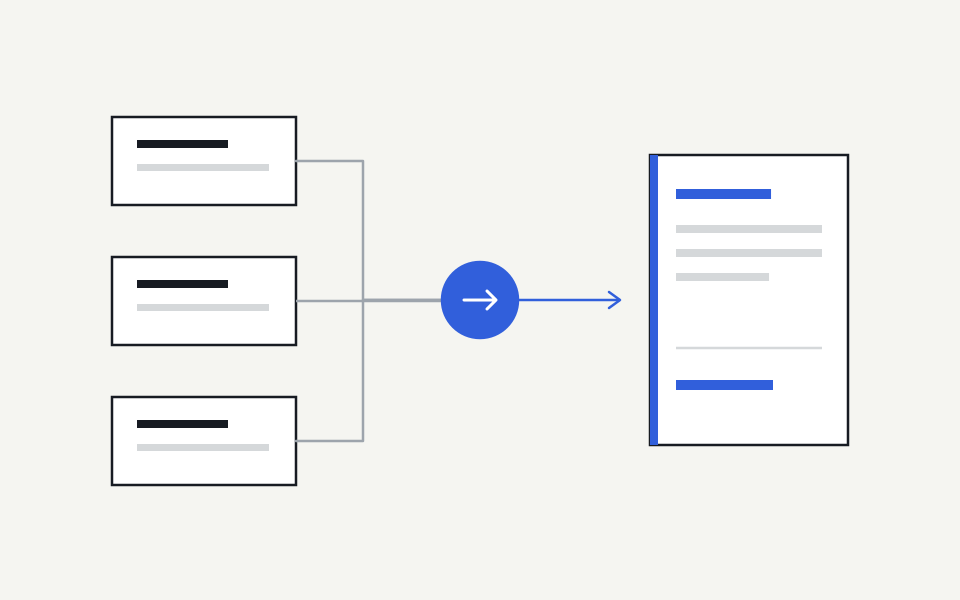
Connect company knowledge to AI by starting with a real task, selecting its current sources, identifying who should have access and testing the result in the tool people actually use. Connecting more systems is useful only when those connections improve the work and preserve the intended information boundaries.
1. Choose a task with a recognisable good answer
Pick a recurring task that a knowledgeable colleague can evaluate. For example: explain the current client handover process, draft a proposal using the current service offer, or prepare an engineering handoff from a product brief. Write down the details a good answer must contain before trying different tools.
Also record the boundaries. A proposal draft might need a public service description and approved commercial terms, but it should not receive confidential margin information. A clear task and audience make the first rollout easier to test than a broad instruction to make all company knowledge available everywhere.
2. Select current sources and name their owners
List the original documents required for that task. Record their locations, responsible owners and status: current, supporting, historical or excluded. When two documents disagree, ask the accountable person which source should govern the topic. An integration should not quietly resolve a company decision merely because one file has a later timestamp.
Keep the original source as the place people edit the material. Copying a handbook into several assistant instructions may work for a short experiment, but it creates additional versions to maintain. A source connection should make changes visible without requiring a colleague to remember every place the handbook was pasted.
3. Understand the exact connection you are buying
An integration logo does not explain what the connection can do. Ask whether it reads selected pages, a folder, a whole workspace or an individual user’s files. Check supported file formats, update behaviour, deletion handling and how access is established. A document connector is different from a connector that can also edit records or send messages.
MCP is a standard for connecting AI applications to external tools and information. It can provide a delivery route, but the protocol alone does not establish which source is authoritative or prove employee permissions. Those responsibilities still need an implementation and a testable operating model.
- Which exact source areas will be selected?
- Is the connection read-only, and what permissions does it request?
- How do edits, deletion and access loss affect future answers?
- Which AI-tool plan and administrator actions are required?
4. Keep company guidance small and explicit
Do not require an owner to approve every useful document as an instruction. Most source information can remain reference material. Reserve explicit approval for consequential, repeated guidance: required approval steps, authorised definitions, company standards and methods where following the wrong version would materially change the work.
For the proposal example, the service catalogue may provide live reference information while a commercial owner approves the discount rule. Give the rule an audience and a review trigger. This lets the company improve its knowledge coverage without creating a policy-review task for each formatting edit or routine source update.
5. Test through the employee experience
Ask ordinary questions in the actual AI tool, using an account representative of the intended audience. Check the resulting answer and its sources. Do not treat an administrator’s successful connection screen as evidence that an employee can use the context, or that the assistant will choose the connector for every relevant prompt.
Include negative cases. Ask for a restricted document, remove access to a selected source and introduce an older conflicting document. Confirm that the system does not expose denied material or quietly prefer the wrong source. Test an unrelated question too: company context should help relevant work without intruding on everything the employee asks.
6. Expand from observed usefulness
After the first task works, add a second team or source area and repeat the checks. Keep a short record of useful answers, errors, owner corrections and setup effort. These observations help decide whether the next investment should be another connector, better source coverage or a clearer ownership decision.
Steer connects selected knowledge from Notion, GitHub, Google Drive, SharePoint and OneDrive for Business with ChatGPT, Claude and Microsoft 365 Copilot. Start with the source and AI tool that fit your first workflow, then check their setup and access scope in the integration directory.
Sources and further reading
Continue with a practical next step
Put the context to work.
See how Steer connects maintained knowledge and approved ways of working.
Explore Steer